
Ciri 作
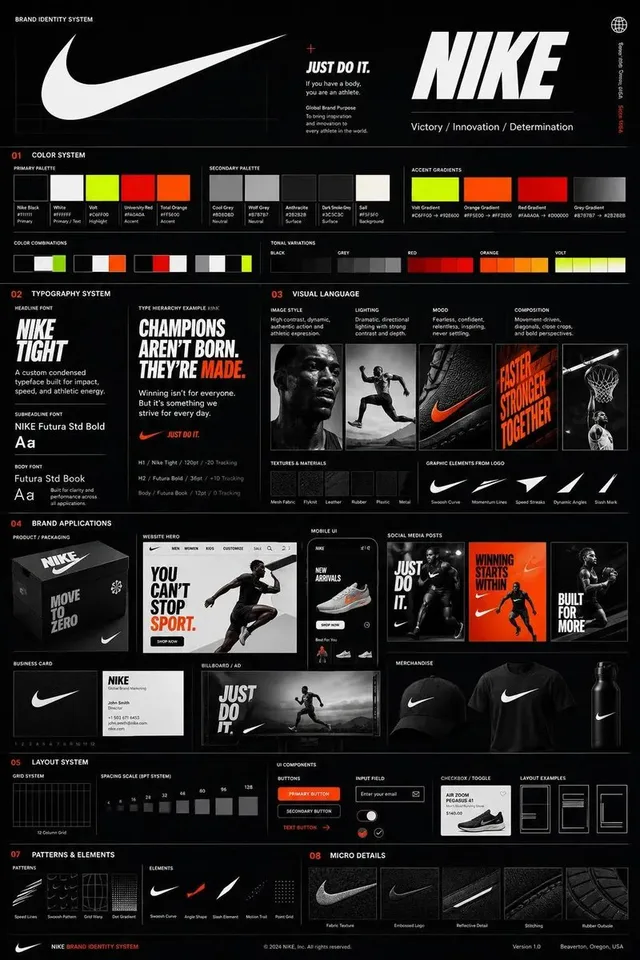
Agency Grade Brand Identity Poster
アプリ / Webデザイン · インフォグラフィック / 教育ビジュアル · ミニマリズム · イラスト
1516.7K

Generates a detailed, text-heavy tutorial webpage mimicking the wikiHow layout, complete with instructional steps and embedded UI mockups.
全文プロンプト。コピーや編集にそのまま使えます。
{
  "type": "wikiHow article mockup",
  "header": {
    "background": "green",
    "elements": [
      "hamburger menu icon",
      "wikiHow logo",
      "search bar with 'Search how to...' text",
      "5 navigation icons: PRO/PPRO, QUIZZES, EDIT, EXPLORE, LOG IN"
    ]
  },
  "breadcrumbs": "HOME » CATEGORIES » COMPUTERS AND ELECTRONICS » INTERNET » CHATGPT",
  "article_info": {
    "title": "How To Use GPT-Image 2",
    "metadata": "Written by wikiHow Staff | Updated: June 10, 2024",
    "sidebar": [
      "PDF Download Article button",
      "METHODS box: 1 Using GPT-Image 2 on Arena.ai"
    ]
  },
  "intro_box": "GPT-Image 2 is OpenAI's most advanced AI image generator. It creates high-quailly, detailed, and accurate images from your text prompts. This wikiHow will show you how to try GPT-Image 2 for free on arena.ai.",
  "steps": [
    {
      "number": 1,
      "title": "Go to arena.ai.",
      "description": "Open your web browser and navigate to https://arena.ai. Arena is a platform where you can compare and try thousands of AI models, including OpenAI's latest image generator.",
      "embedded_image": {
        "type": "dark mode website UI mockup",
        "logo": "arena",
        "navigation": ["Battle", "Side-by-Side", "Direct Chat", "Leaderboard", "Community", "Sign In", "Sign Up button"],
        "hero_text": "The world's largest arena for AI models",
        "input_ui": {
          "model_dropdown": "Model: duct-tape-3",
          "settings": "Default",
          "text_input": "Enter your prompt here...",
          "button": "Run"
        }
      }
    },
    {
      "number": 2,
      "title": "Select the model 'duct-tape-3.'",
      "description": "Click the Model dropdown menu and choose 'duct-tape-3.' Duct-tape-3 is the name Arena uses for GPT-Image 2, OpenAI's most capable image generation model."
    },
    {
      "number": 3,
      "title": "Prompt it.",
      "description": "Type your prompt in the box and click Run. GPT-Image 2 will generate an image based on your description.",
      "tip_box": "TIP GPT-Image 2 is the best AI image generator because it produces incredibly detailed, accurate, and high-quality images, handles text well, follows complex instructions, and has a deep understanding of the world."
    }
  ]
}同じモデルとカテゴリの関連プロンプトです。
Ciri 作
アプリ / Webデザイン · インフォグラフィック / 教育ビジュアル · ミニマリズム · イラスト
Kris Kashtanova 作
インフォグラフィック / 教育ビジュアル · アプリ / Webデザイン · ミニマリズム · イラスト
動画マーケのNaoです 作
インフォグラフィック / 教育ビジュアル · アプリ / Webデザイン · イラスト · ミニマリズム
@小海豚笔记 (AI & 副业探索) 作
インフォグラフィック / 教育ビジュアル · アプリ / Webデザイン · 商品マーケティング · イラスト
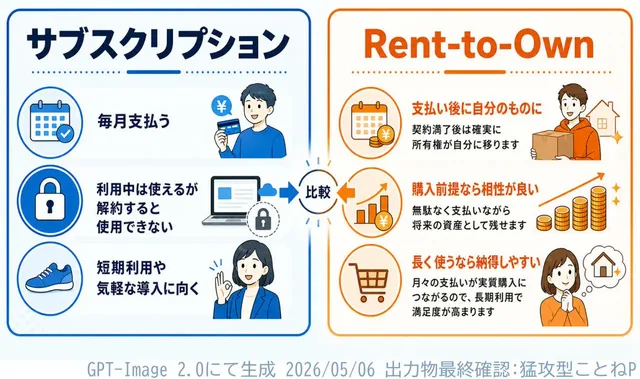
猛攻型ことねP(ひうが) | リブランド中 作
インフォグラフィック / 教育ビジュアル · アプリ / Webデザイン · イラスト · ミニマリズム
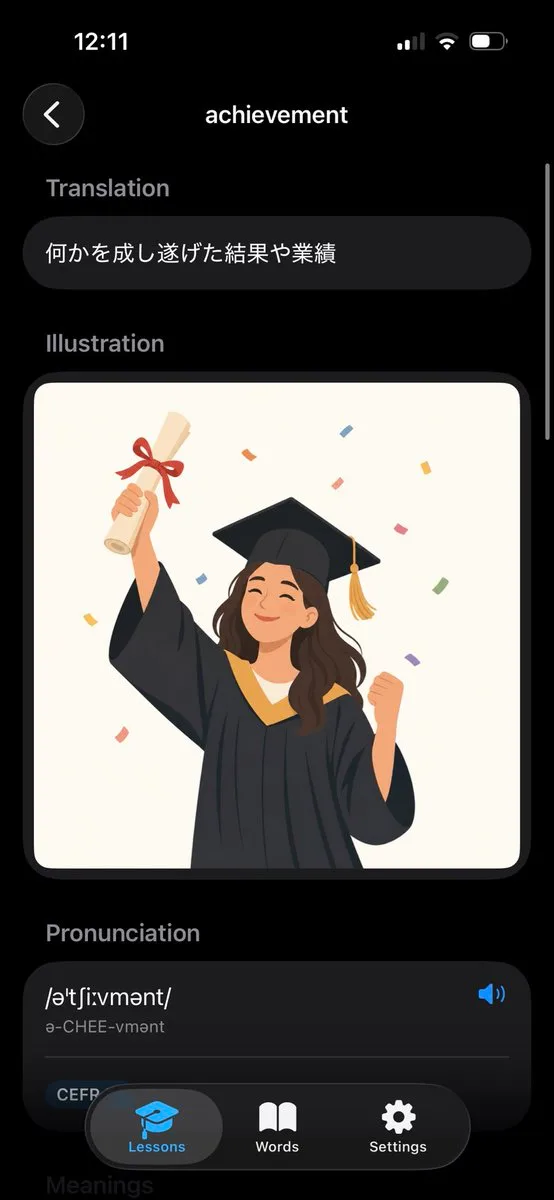
@AKIRA 作
アプリ / Webデザイン · インフォグラフィック / 教育ビジュアル · ミニマリズム · イラスト